
1. Click “Create” on the top navigation bar.
2. Fill in the title and other information and click “Next”.
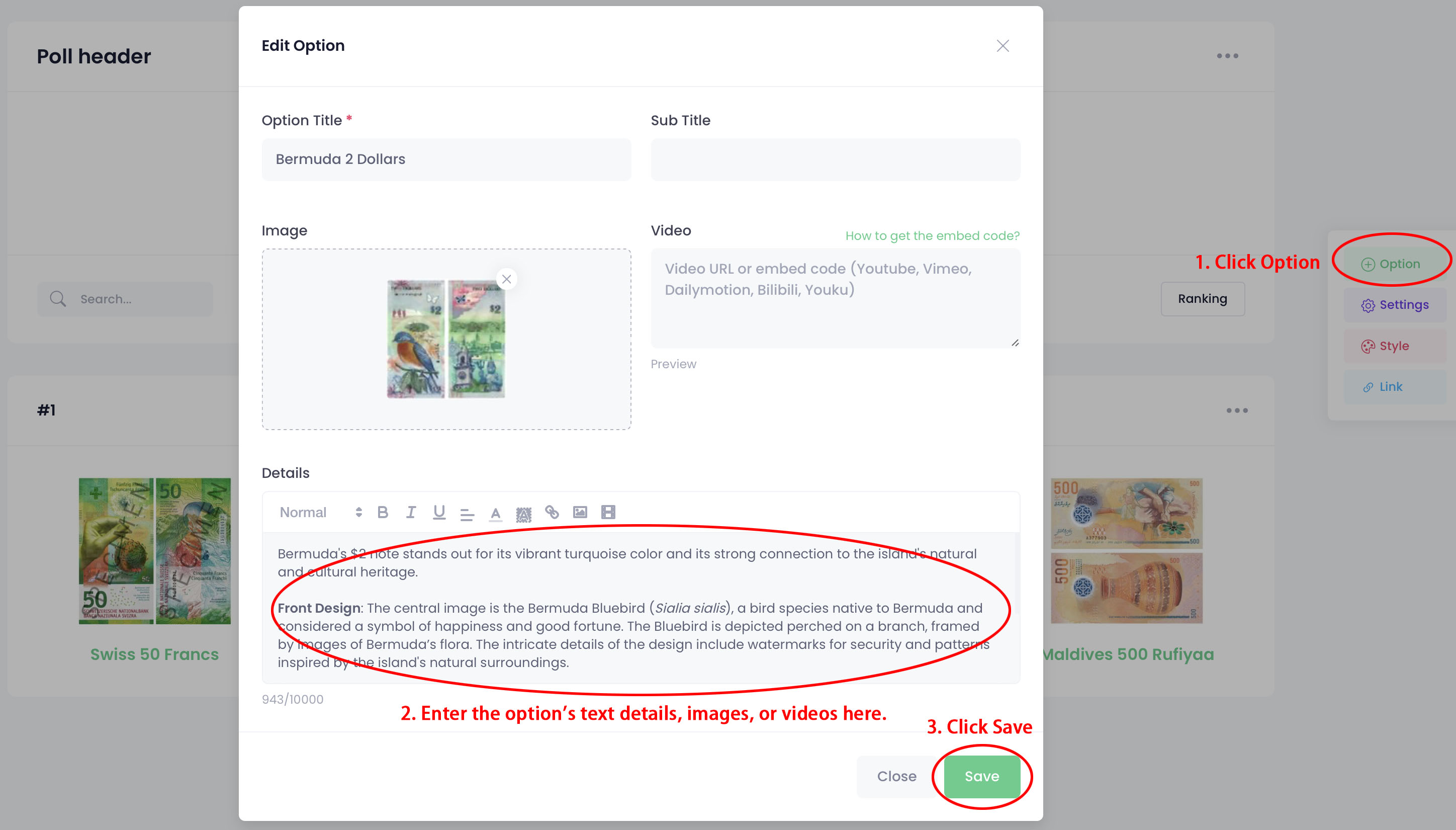
3. Click “Option” in the right toolbar.
4. Enter the text details, images, or videos in the “Details” field and click “Save”.

1. Click “Create” on the top navigation bar.
2. Fill in the title and other information and click “Next”.
3. Click “Option” in the right toolbar.
4. Enter the text details, images, or videos in the “Details” field and click “Save”.