
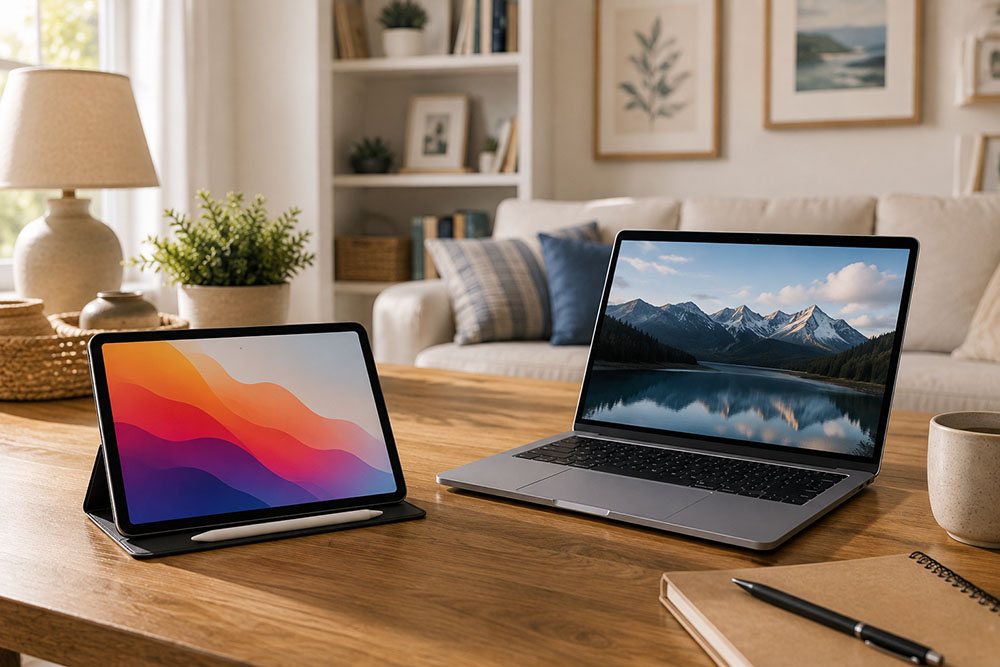
Parents often face a surprisingly difficult question when buying technology for their children: Does a child really need both a tablet and a laptop?
At first glance, the answer seems obvious. Both devices can browse the internet, watch videos, run educational apps, and connect to online classes. Buying both may therefore feel like paying twice for essentially the same thing.
But the differences become much clearer when children start using technology for more than entertainment.
A tablet and a laptop are designed around very different experiences. One is primarily built for touch, portability, and quick access. The other is designed around a keyboard, a larger working environment, and more demanding tasks.
For younger children, one device may be enough. As schoolwork becomes more complicated, however, having access to both can sometimes make sense.
A Tablet Is Convenient for Everyday Use
Tablets are particularly appealing to children because they are simple to use.
There is no keyboard or mouse to learn, and most apps are designed around touch controls. A child can pick up a tablet and immediately start reading, watching an educational video, drawing, or completing an interactive exercise.
For younger children, that simplicity can be a major advantage.
A tablet can also be useful for activities such as:
- Reading digital books
- Watching educational videos
- Drawing and coloring
- Practicing languages
- Using learning apps
- Taking handwritten notes
- Reading PDFs
- Playing age-appropriate games
Portability is another advantage. A tablet is much easier to take on a family trip, use in the car, or carry around the house than a traditional laptop.
For many children, it becomes a convenient device for short activities rather than something they sit down at for several hours of focused work.
Schoolwork Changes the Equation
The situation starts to change as children get older.
Typing becomes increasingly important. Instead of completing a short worksheet on a touchscreen, students may need to write essays, create presentations, research topics online, organize files, or submit assignments through a school platform.
That's where a laptop starts to make much more sense.
A physical keyboard is considerably more comfortable for long pieces of writing, and a larger screen makes it easier to have several documents or browser windows open at the same time.
A laptop also tends to work better with traditional productivity software, file management systems, programming tools, and websites that weren't designed primarily for touchscreens.
For a child approaching the later years of elementary school or entering middle school, those differences can become much more noticeable.
Why a Laptop Can Be the Better First Computer
If a family can only afford one device, a laptop is often the more versatile choice.
It can handle most of the things a tablet does while also providing capabilities that are difficult to replicate on a touchscreen.
A child can watch a lesson, research a topic, write an assignment, create a presentation, upload files, and communicate with a teacher from the same machine.
That doesn't necessarily make a laptop more enjoyable.
It simply makes it more capable.
For parents who want to buy one device that can potentially remain useful for several years, this flexibility can be important.
Where Tablets Still Have the Upper Hand
That doesn't mean laptops make tablets unnecessary.
There are plenty of situations where a tablet is simply more convenient.
Imagine a child reading a digital textbook on the sofa. A tablet can be held like a book and moved around easily. The same applies to drawing, watching videos, following a recipe, or using a handwriting app.
With a compatible stylus, a tablet can also become a surprisingly effective digital notebook.
Children who enjoy drawing may particularly appreciate this. The combination of a touchscreen and stylus feels much more natural for sketching than using a mouse or trackpad.
A tablet can also be less intimidating for younger children who aren't yet comfortable with a traditional computer.
When Having Both Actually Makes Sense
For some families, the best solution isn't choosing between the two.
It's giving each device a specific role.
The laptop can become the schoolwork machine.
Writing, presentations, research, file management, coding, online assignments, and other serious tasks can happen there.
The tablet can become the portable and creative device.
Reading, drawing, handwritten notes, educational apps, and entertainment can happen there.
This separation can also be useful from a practical perspective. A child doesn't necessarily need to carry a relatively heavy laptop around the house just to read a book or watch a short lesson.
Buying Both Isn't Automatically Better
There is also a downside to having two devices: cost and distraction.
Buying a tablet simply because "every kid has one" isn't necessarily a good reason.
If a child already has a capable laptop and mostly uses technology for homework, research, and writing, a tablet may add very little.
Likewise, buying an expensive laptop for a young child who mainly watches educational videos and uses simple learning apps may be unnecessary.
Parents should think about what the child actually does with technology rather than starting with the devices themselves.
A useful question is:
What can the second device do that the first one can't do comfortably?
If there isn't a good answer, there's probably no urgent reason to buy it.
Age Matters More Than the Device
A five-year-old and a twelve-year-old can have completely different technology needs.
Younger children may benefit more from the simplicity and touch-based experience of a tablet. As schoolwork becomes more demanding, keyboard skills, file management, research, and productivity software become increasingly useful.
That means there isn't a universal age at which every child "needs" a laptop.
The better approach is to look at what their schoolwork actually requires.
If teachers are regularly asking students to type longer assignments, create presentations, manage documents, or use computer-based learning platforms, a laptop becomes much more useful.
The Best Setup Is the One With a Clear Purpose
For families deciding between a tablet and a laptop, the choice doesn't have to be complicated.
If a child has no computer yet, a laptop is usually the safer first purchase because it can cover a wider range of school and productivity tasks.
If the child already has a laptop, a tablet is more of an optional addition. It becomes worthwhile when reading, drawing, handwriting, portability, or touch-based learning are important.
And if a family already owns both, the devices don't have to compete with each other.
The laptop can handle the serious work.
The tablet can handle the lighter stuff.
Ultimately, children don't necessarily need more technology. They need technology that fits the way they actually learn, create, and spend their time. A well-chosen device that gets used every day is likely to be far more valuable than two expensive gadgets that mostly do the same things.