1. Click “Create” on the top navigation bar.
2. Fill in the title and other information and click “Next”.
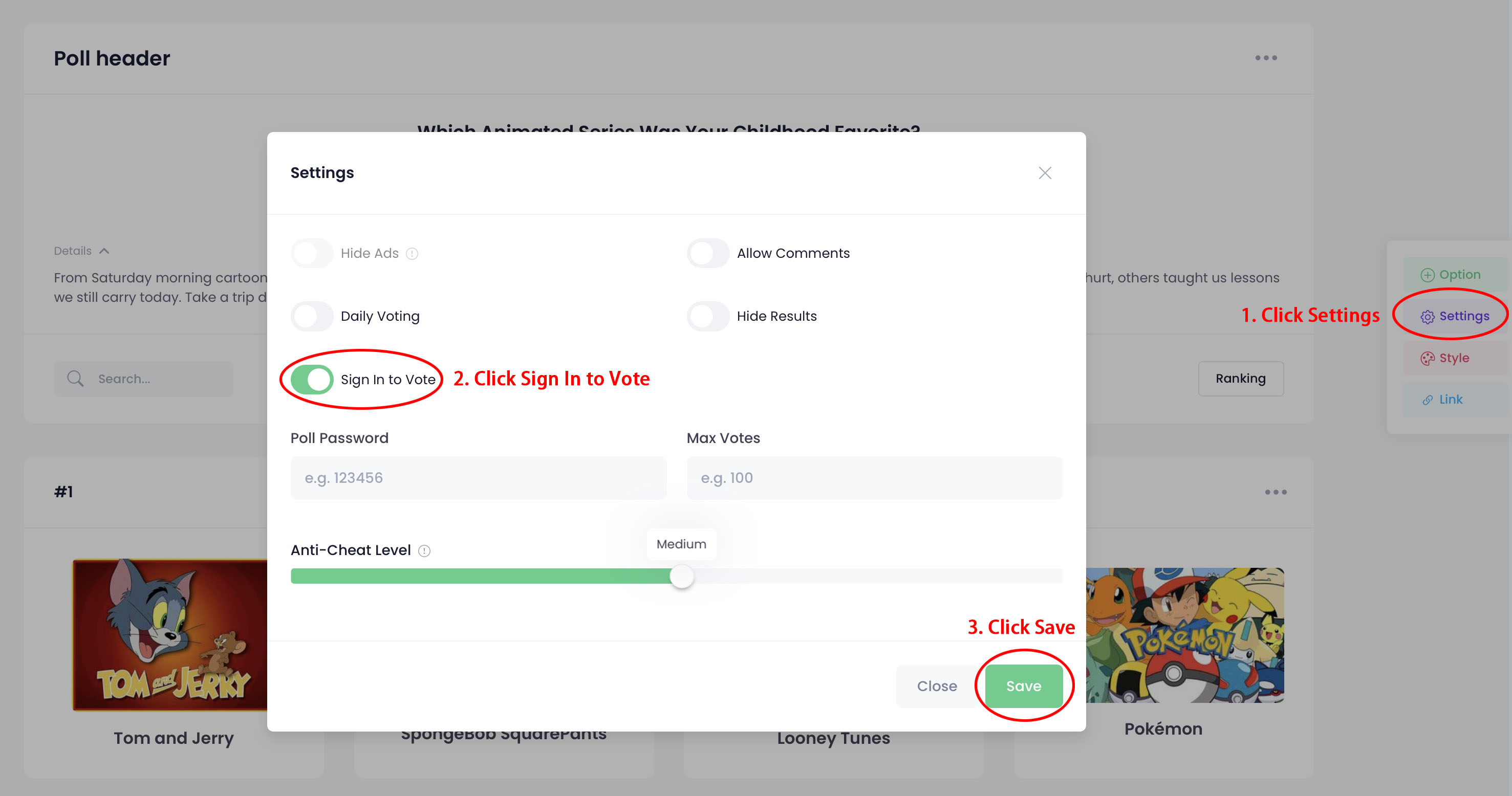
3. Click “Settings” in the right toolbar.
4. Click "Sign In to Vote" and click “Save”.

1. Click “Create” on the top navigation bar.
2. Fill in the title and other information and click “Next”.
3. Click “Settings” in the right toolbar.
4. Click "Sign In to Vote" and click “Save”.